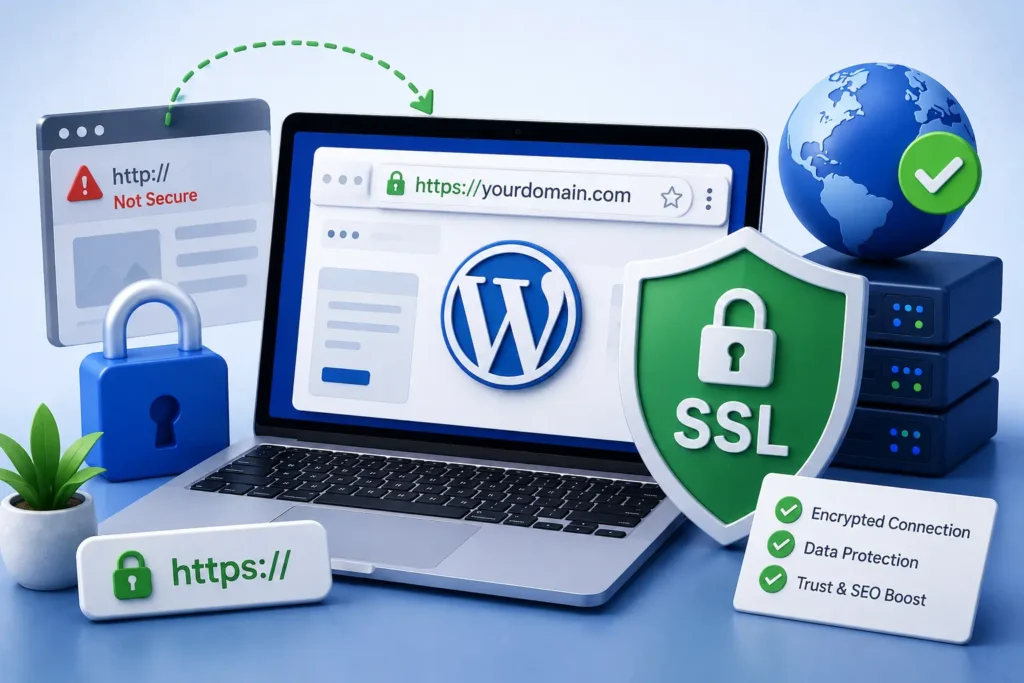
If you would rather have this handled for you, our WordPress security service takes care of this end to end. The little padlock in your browser’s address bar represents something important: a secure, encrypted connection between your website and its visitors. That padlock comes from an SSL certificate, and in 2026 it is no longer optional for any serious website.
SSL and HTTPS affect your security, your search rankings, and how much visitors trust you. This guide explains what they are, why they matter for WordPress, and how to keep them working without errors.
What Are SSL and HTTPS?
SSL, and its modern successor TLS, is the technology that encrypts data as it travels between a visitor’s browser and your website. HTTPS is simply HTTP with that encryption applied.
Without it, information sent to your site, such as passwords or contact details, travels in plain text that others could intercept. With HTTPS, that data is scrambled and protected.
In short, an SSL certificate turns your site from an open postcard into a sealed, private envelope.
Why SSL Matters for Your WordPress Site
HTTPS is about far more than a padlock icon. It delivers real benefits that touch security, trust, and visibility.
Protecting Your Visitors
Any site that collects information, even a simple contact form, should protect that data in transit. SSL prevents attackers from eavesdropping on the connection and stealing what visitors submit.
Building Trust
Modern browsers actively warn visitors when a site is “Not Secure.” That warning is enough to make many people leave immediately. A secure padlock, by contrast, reassures visitors that your site is legitimate and safe.
Boosting SEO
Search engines treat HTTPS as a ranking signal and favour secure sites. Moving to HTTPS is one of the simpler technical steps that supports your overall SEO. For more performance wins, see our guide on how to speed up WordPress.
Common SSL and HTTPS Problems
Having an SSL certificate is not quite enough. It needs to be configured correctly and kept up to date, or it can cause its own issues.
- Mixed content warnings: when some page elements still load over insecure HTTP
- Expired certificates: which trigger scary browser warnings and block access
- Incorrect redirects: where HTTP versions of pages are not properly sent to HTTPS
- Missing security headers: such as HSTS, which strengthens HTTPS protection
Each of these can undo the benefits of SSL or even drive visitors away, so they are worth checking and fixing.
Keeping HTTPS Working Properly
A healthy HTTPS setup is mostly about consistency and monitoring. A few good practices keep everything running smoothly.
Make sure every part of your site loads over HTTPS, with no lingering insecure elements. Set up proper redirects so anyone visiting an old HTTP link is automatically sent to the secure version.
Certificates also expire, usually every few months to a year. Monitoring expiry dates and renewing on time prevents sudden, avoidable outages. Adding an HSTS header tells browsers to always use HTTPS, closing another small gap.
An expired SSL certificate can take your site offline in the eyes of visitors within minutes. Monitoring renewal dates is a small task that prevents a big problem.
SSL Is Part of Good Maintenance
SSL is not a set-and-forget item. Certificates expire, configurations drift, and new insecure content can creep in as your site grows.
Treating SSL as part of ongoing maintenance, with regular checks and monitoring, keeps your site secure and trusted at all times. It is one small piece of the broader job of keeping a site healthy.
SSL, Trust, and Conversions
The security benefits of SSL are important, but its effect on trust and conversions is just as valuable for a business. Visitors make fast, often subconscious judgements about whether a site feels safe.
A secure padlock and a smooth, warning-free experience reassure visitors at the exact moment they are deciding whether to trust you with their details. A “Not Secure” warning, by contrast, plants doubt and sends many people away before they engage.
This matters most on pages where visitors take action, such as contact forms, sign-ups, and checkout. On those pages, any hint of insecurity directly reduces the number of people who follow through.
In other words, SSL is not just a technical safeguard, it is part of your credibility. A properly secured site quietly reassures every visitor, supporting both trust and conversions across your whole site.
Frequently Asked Questions
Do I really need an SSL certificate?
Yes. Browsers warn visitors about sites without HTTPS, search engines favour secure sites, and any data your visitors submit should be encrypted. SSL is essential for every modern website.
What happens if my SSL certificate expires?
Visitors see a security warning and may be blocked from accessing your site entirely. Monitoring expiry dates and renewing on time prevents this.
What is a mixed content warning?
It appears when a secure HTTPS page still loads some elements over insecure HTTP. Fixing every insecure reference resolves the warning and restores full protection.
Does HTTPS help SEO?
Yes. Search engines treat HTTPS as a positive ranking signal, so a properly secured site has an advantage over an insecure one.
For further reading, Let’s Encrypt, a free and trusted certificate authority offers helpful, authoritative guidance.
Keep Your Site Secure and Trusted
SSL and HTTPS protect your visitors, build trust, and support your rankings. Getting them right, and keeping them right, is a core part of running a professional website.
BlueBotts monitors SSL, security headers, and site health as part of our maintenance plans, so nothing lapses unnoticed. Request a free site audit or contact our team to keep your site secure.
Get a free audit covering security, updates, backups, and performance gaps. Takes 60 seconds to request and costs nothing.