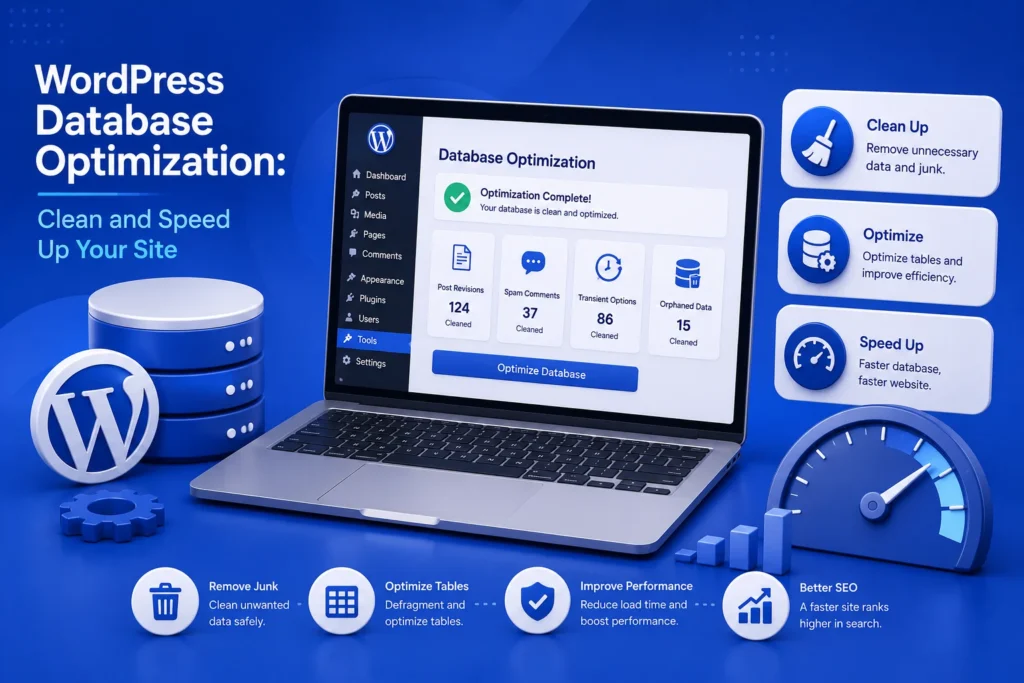
If you would rather have this handled for you, our WordPress speed optimization service takes care of this end to end. Over time, every WordPress database gathers clutter. Old post revisions, spam comments, expired transients, and leftover data from deleted plugins all pile up quietly in the background. This bloat slows your site down and makes backups larger and slower. WordPress database optimization clears out that clutter and keeps everything running smoothly.
Database optimization clears out that junk and keeps WordPress running smoothly. This guide explains what causes database bloat, what is safe to clean, and how to do it without losing important data.
What Slows Down a WordPress Database?
Your database stores everything from posts and pages to settings and comments. As your site grows, it also accumulates data you no longer need.
Common sources of bloat include:
- Old post revisions, sometimes dozens per article
- Spam and trashed comments
- Expired transients and cached data
- Orphaned data left behind by deleted plugins and themes
- Auto-drafts and trashed posts
Individually these are small, but together they can swell your database and slow down every query your site makes.
How Database Bloat Affects Your Site
A bloated database does not just take up space. It makes your site work harder for every page load.
When WordPress has to search through a cluttered database, pages load more slowly. That hurts user experience and can drag down your search rankings, since speed is a ranking factor. Our guide on how to speed up WordPress covers the wider performance picture.
Larger databases also make backups slower and heavier, and they can push you closer to your hosting limits. Keeping the database lean helps on every front.
What Is Safe to Clean
Not everything in your database is junk, so it pays to know what is safe to remove.
- Spam and trashed comments you have already reviewed
- Excess post revisions beyond the few most recent
- Expired transients, which regenerate automatically
- Trashed posts and pages you no longer need
- Data from plugins you have permanently removed
Always take a full backup before optimizing your database. Cleaning is safe when done carefully, but a backup means a mistake is never a disaster.
How to Do WordPress Database Optimization Safely
The safest approach is methodical. Rushing or deleting the wrong table can cause real damage, so take it step by step.
- Take a complete backup of your database first
- Limit or remove old post revisions
- Clear spam and trashed comments
- Remove expired transients and clean caches
- Delete data left behind by old plugins, carefully
- Test the site thoroughly afterwards
If you are not comfortable working with the database directly, this is a task worth handing to a professional. A single wrong query can break your site.
Preventing Future Bloat
Cleaning your database once helps, but bloat returns if you do nothing to prevent it. A few habits keep it under control long term.
Limit the number of post revisions WordPress stores, so articles do not accumulate dozens of old copies. Clear spam regularly rather than letting it build up, and remove plugins and themes you are not using instead of leaving them dormant.
Making database optimization part of a regular maintenance routine keeps your site fast and your backups manageable, without any dramatic clean-up sessions.
Signs Your Database Needs Attention
Database bloat builds up gradually, so it is easy to miss until it starts causing noticeable problems. A few warning signs suggest it is time for a clean-up.
If your admin dashboard feels sluggish, pages take longer to load than they used to, or your backups have grown large and slow, a bloated database may be part of the cause. Sites that have run for years, or have used and removed many plugins, are especially prone to this.
Another clue is hosting resource warnings. A cluttered database consumes more resources for every query, which can push a busy site closer to its limits during peak traffic.
None of these signs mean something is broken, but they do mean your site is working harder than it needs to. A careful optimization, backed up first, often restores a noticeable amount of speed and keeps your backups manageable.
Frequently Asked Questions
Is it safe to optimize my WordPress database?
Yes, when done carefully and with a backup first. Removing spam, old revisions, and expired data is safe, but always back up before making changes.
How often should I clean my WordPress database?
For most sites, a monthly clean-up is plenty. Very active sites may benefit from more frequent optimization as part of regular maintenance.
Will optimizing my database speed up my site?
It can help, especially on older or larger sites. A leaner database means faster queries, quicker page loads, and smaller, faster backups.
Can database cleaning break my site?
If done incorrectly, yes. Deleting the wrong data or table can cause problems, which is why a backup and a careful approach are essential.
For further reading, the official WordPress performance documentation offers helpful, authoritative guidance.
Keep Your Database Lean and Fast
A clean, optimized database keeps WordPress fast, your backups light, and your site running smoothly. The key is to clean carefully, back up first, and make it a regular habit.
BlueBotts includes database optimization in our maintenance plans, handled safely as part of keeping your site healthy. Request a free site audit or view our plans to keep your site running at its best.
Get a free audit covering security, updates, backups, and performance gaps. Takes 60 seconds to request and costs nothing.