If you would rather have this handled for you, our WooCommerce maintenance service takes care of this end to end. As an eCommerce store owner, keeping your WooCommerce site in top shape is vital for an excellent customer experience. Regular maintenance not only enhances performance but also boosts security and helps maintain a steady flow of sales. This WooCommerce maintenance checklist walks store owners through everything that keeps a store fast, secure, and reliable.
Unlike a simple blog, a store handles payments, customer data, and constant transactions, so the stakes of neglect are much higher. The good news is that a consistent routine keeps almost all of those risks in check.
Why WooCommerce Maintenance Is Different
A standard website mostly serves content. A WooCommerce store processes orders, stores customer accounts, and connects to payment gateways, so every one of those is something that can break or be attacked.
That means maintenance is not optional housekeeping. It directly protects your revenue, your customers’ data, and your reputation. A single hour of downtime during a busy period is lost sales you never get back.
Keep Everything Updated
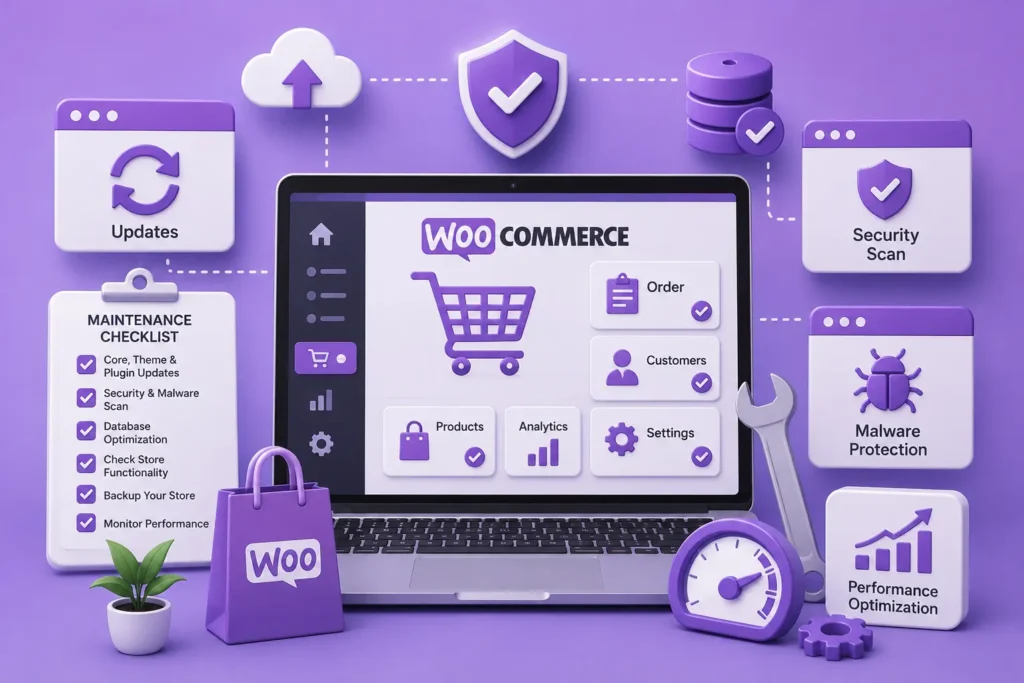
One of the most important aspects of WooCommerce maintenance is keeping your platform, themes, and plugins up to date. Updates bring new features, performance improvements, and, crucially, security patches.
Outdated software is the most common way stores get compromised. Because a store often runs many extensions, each one is a potential entry point, so test updates on a staging copy first, as covered in our plugin update strategy.
Back Up and Secure Your Store
Backing up your store is essential to prevent data loss. Because order and customer data changes constantly, a store needs frequent, off-site, encrypted backups, not a weekly copy on the same server. Our backup guide explains how.
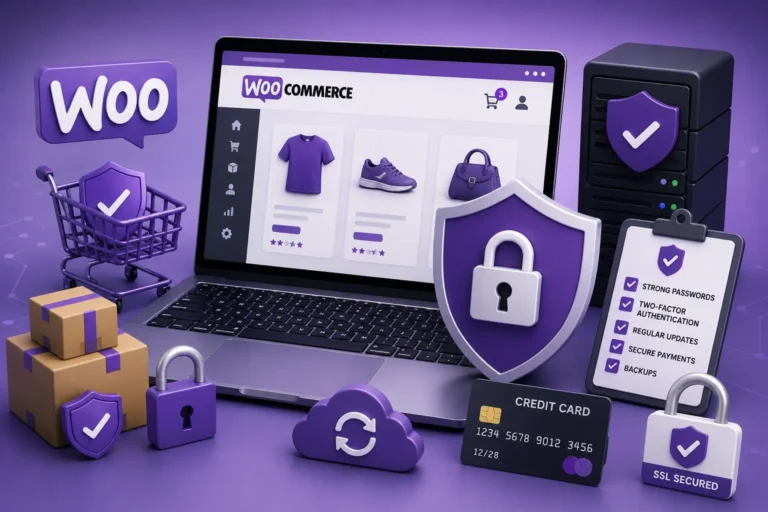
On the security side, enforce strong passwords and two-factor authentication, use SSL across the whole store, and add a firewall. Our full guide on WooCommerce security covers protecting payments and customer data in depth.
Optimize Performance
Website speed directly impacts both user experience and search rankings, and on a store it directly affects conversions. A slow checkout is abandoned checkout.
Regularly test your store’s performance, optimize your images, leverage caching, and consider a content delivery network to serve assets quickly. A fast store improves conversion rates and keeps customers coming back. Our guide on speeding up WordPress covers the technical side.
Look After the Database
WooCommerce stores accumulate data quickly: orders, sessions, transients, and logs all build up over time. Left unchecked, this bloat slows the store and makes backups heavier.
Regularly cleaning and optimizing the database keeps queries fast and your store responsive, especially during busy periods. Our guide on database optimization explains how to do it safely.
Test the Customer Journey
It is easy to maintain the back end and forget the part that actually earns money: the customer journey. Broken checkouts and failing forms can go unnoticed for days while sales quietly disappear.
Regularly place a test order from start to finish, checking that payment, confirmation emails, and order status all work. Catching a broken checkout yourself is far better than hearing about it from a frustrated customer.
Your WooCommerce Maintenance Checklist Schedule
Bringing it together, a store benefits from a layered routine:
- Weekly: apply tested updates, check for downtime, and place a test order
- Monthly: run malware scans, test a backup restore, and optimize the database
- Quarterly: audit user accounts, review security, and check SSL and payment settings
Consistency is what makes this work. A store maintained on a schedule rarely faces the emergencies that an unmaintained one runs into constantly.
Frequently Asked Questions
How often should I maintain my WooCommerce store?
Follow a layered schedule: weekly updates and a test order, monthly scans and backup tests, and quarterly security and account audits. Busy stores may need more frequent checks.
Why is WooCommerce maintenance so important?
A store handles payments, customer data, and constant orders, so downtime and security issues directly cost sales and trust. Regular maintenance prevents most of these problems.
What should a WooCommerce backup include?
Both files and database, taken frequently and stored off-site and encrypted. Because order data changes constantly, stores need far more frequent backups than a typical site.
How do I keep my WooCommerce store fast?
Optimize images, enable caching, use a CDN, keep the database clean, and choose quality hosting. Speed directly affects conversions, so it is worth ongoing attention.
Keep Your Store Healthy and Selling
A WooCommerce maintenance checklist protects the three things that matter most to your store: performance, security, and reliability. Follow it consistently and you free yourself to focus on selling.
For further reading, the official WooCommerce documentation offers helpful, authoritative guidance.
BlueBotts offers specialist WooCommerce maintenance and security, from tested updates to backups and monitoring. Request a free store audit or view our plans to keep your store running smoothly.
Get a free audit covering security, updates, backups, and performance gaps. Takes 60 seconds to request and costs nothing.