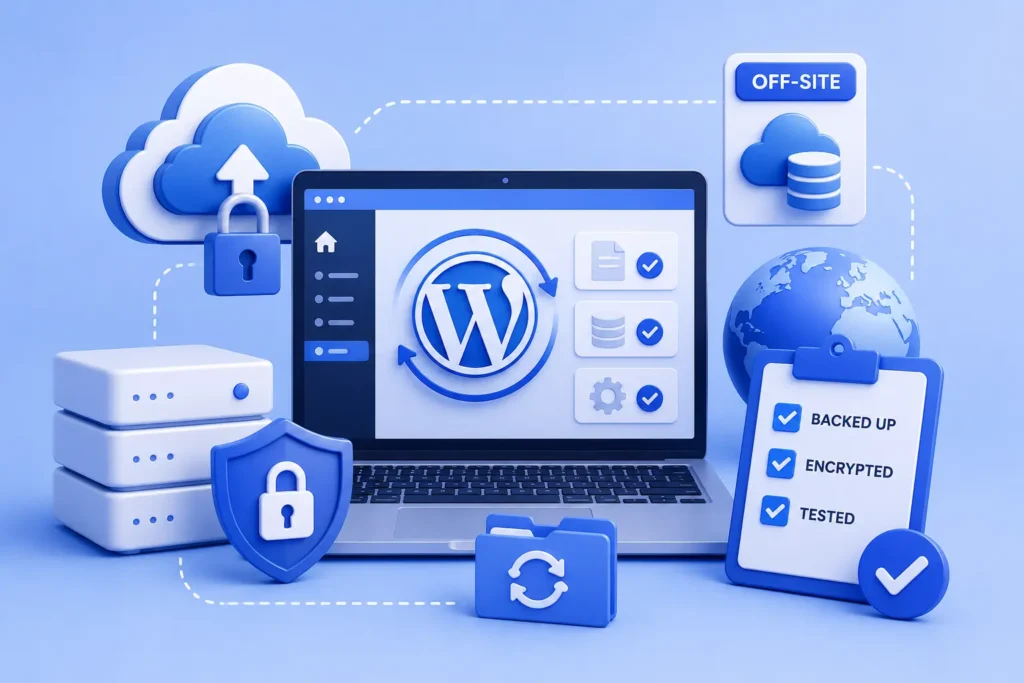
If you would rather have this handled for you, our WordPress backup service takes care of this end to end. A backup that lives on the same server as your site is not a backup, it is a copy. If the server is compromised, flooded, or shut down by your host, the backup goes with it. A real WordPress backup strategy means encrypted copies stored off-site, in a separate cloud account your hosting provider cannot touch.
This guide explains how to back up WordPress the right way: how often to back up, what to store where, and the one step almost every backup guide skips. Get this right and almost nothing that happens to your site is a disaster.
Why One On-Site Copy Is Not Enough
Keeping a single backup on the same server is one of the most common and dangerous mistakes. A server failure, a hack, or a hosting suspension can take out both your site and its only backup at once.
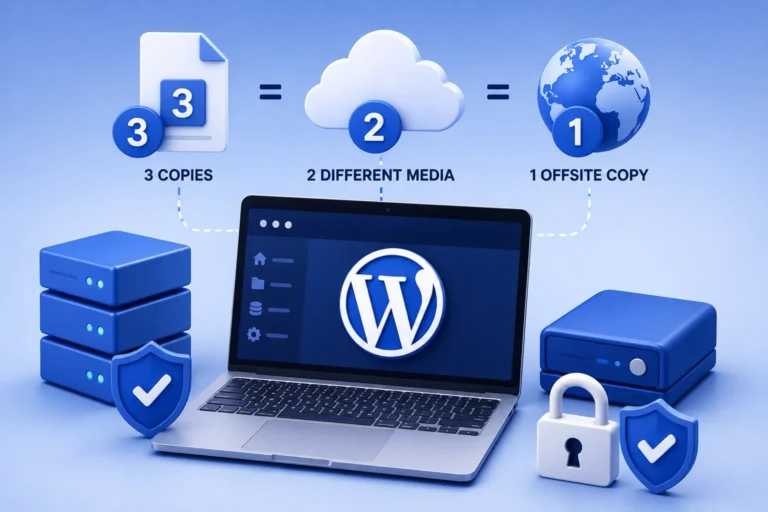
The safest approach follows the widely used 3-2-1 rule: three copies of your data, on two types of storage, with one stored off-site. Our guide on the 3-2-1 backup rule explains it in full.
How Often Should You Back Up?
The right frequency depends on how often your content changes. Backing up too rarely risks losing recent work; the question to ask is how much you could afford to lose.
- Brochure sites updated weekly: a daily full backup with 30-day retention is plenty
- Active blogs and business sites: daily backups
- WooCommerce stores taking orders hourly: incremental backups every hour, full backups daily, and 90-day retention at minimum
For a store, order data lost to a bad restore window is both revenue and a privacy liability at the same time, so frequent backups matter even more.
What to Store, and Where
A complete backup includes both your files and your database. Your files hold your themes, plugins, and uploads; your database holds your posts, settings, orders, and users. You need both to restore fully.
Wherever you store backups, the key rule is that the off-site copy lives in a separate cloud account, not a folder on your web server. That separation is what protects you when the server itself is the problem.
Encrypt Your Backups
Backups contain sensitive data: user details, customer information, and configuration. If a backup copy is ever exposed or stolen, encryption keeps that data protected.
Encrypting your backups is a simple step that turns a potential data breach into a non-event. It is especially important for any site handling customer or order data.
The Step Every Guide Skips: Test Your Restores
The most important step in any backup strategy is the one most often ignored: actually testing that your backups restore.
At least once a quarter, take your most recent backup and restore it to a staging environment. Then walk through your site’s critical flows, such as the contact form, checkout, and login. If the restore does not work in staging, it will not work at 3 a.m. when your live site is down. Testing is the only way to know your backup is real.
Backups Are Part of Wider Maintenance
Reliable backups do not exist in isolation. They work alongside updates, security, and monitoring to keep your site safe and recoverable.
A backup is also your safety net for updates and security incidents. If a plugin update breaks your site or a hack slips through, a recent, tested backup turns a crisis into a quick restore. It is a core part of any maintenance routine, and your first move if your site is ever hacked.
Frequently Asked Questions
Where should I store my WordPress backups?
In a separate, off-site cloud account that is independent of your web host. Storing backups only on the same server means a single failure can destroy both your site and its backup.
How often should I back up my WordPress site?
It depends on how often your content changes: daily for most business sites, and as often as hourly for busy stores. The guiding question is how much recent data you could afford to lose.
Is my host’s backup enough?
Host backups are a useful extra copy but should not be your only one. If your hosting account is compromised or has an outage, an independent off-site backup keeps you protected.
How do I know my backup actually works?
Restore it to a staging site and test your key flows. A backup you have never restored is only a hope; testing is the only way to confirm it will work when you need it.
Make Your Site Truly Recoverable
Backing up WordPress the right way means off-site, encrypted, frequent, and, above all, tested. With that in place, your site can survive almost anything.
For further reading, the official WordPress backups documentation offers helpful, authoritative guidance.
BlueBotts runs automated, encrypted, off-site backups with regular restore tests as part of every maintenance plan. Request a free site audit or view our plans to make sure your site is always recoverable.
Get a free audit covering security, updates, backups, and performance gaps. Takes 60 seconds to request and costs nothing.