If you would rather have this handled for you, our managed WordPress maintenance service takes care of this end to end. The number one cause of preventable WordPress downtime is a plugin update applied directly to a live site. It takes 30 seconds and feels safe because it usually is, until it isn’t. A major WooCommerce version update, a page builder release that changes its block structure, or a security plugin that conflicts with your caching layer can take a site offline instantly and silently.
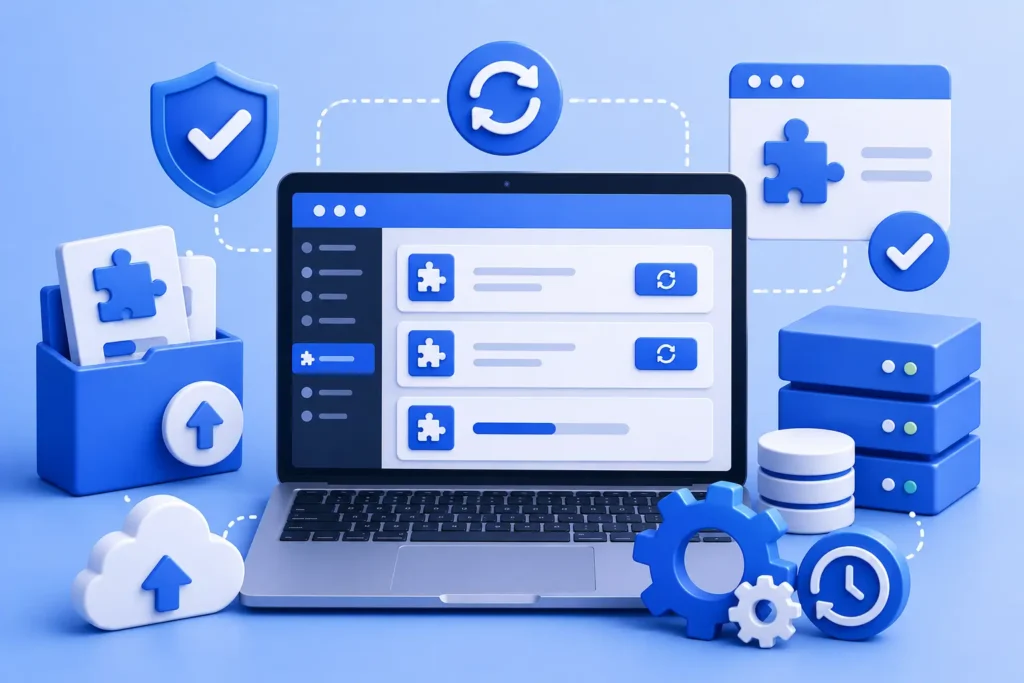
A reliable WordPress plugin update strategy removes that risk. This guide explains how to update without breaking your site, from staging-first deployment to the right update order and a rollback plan.
Why Updates Break Sites
Updates are essential for security and stability, so skipping them is not the answer. But every update changes code, and changed code can conflict with your theme, another plugin, or your configuration.
The problem is rarely the update itself. It is applying it blind, on a live site, with no way to test first or roll back if something goes wrong.
Staging-First Deployment
The professional approach is to test every update before it touches production. You apply it to an identical copy of your site, with the same PHP version, database, and plugin stack, and run a quick regression check.
That check means loading your homepage, your most complex landing page, your checkout flow, and your admin dashboard. If anything breaks in staging, you fix it there. If nothing breaks, you deploy to production with confidence. Our guide on WordPress staging sites explains how to set one up.
WordPress Plugin Update Order Matters
The sequence in which you apply updates affects how likely you are to hit a conflict, and how easily you can trace one.
- Update WordPress core first
- Then security plugins
- Then WooCommerce, if applicable
- Then your other plugins
- Then your theme
Never update everything at once. If something breaks, you want to know exactly which update caused it. Apply one plugin at a time, spot-check after each, then move to the next. It takes longer, and it is worth it every time.
Always Have a Rollback Plan
Even with careful testing, occasionally an update causes a problem that only appears in production. This is why a backup taken immediately before updating is essential.
With a recent backup, a bad update becomes a quick restore rather than a crisis. Our WordPress backup guide explains how to keep reliable, tested backups ready for exactly this moment.
Do Not Ignore Updates Either
It is worth stressing that delaying updates is its own risk. Most successful attacks exploit known vulnerabilities that already have a patch available. The fix existed; the site owner simply had not applied it yet.
The goal is not to avoid updates but to apply them safely and promptly. Tested, timely updates are one of the most important parts of keeping a site secure and stable.
A Repeatable Monthly Routine
For sites under a care plan, this process is systematised: staging sync early in the week, updates applied and tested, then production deployment during the lowest-traffic window. The site owner never worries about it and simply sees the report.
You can run the same routine yourself. The key is consistency: a predictable schedule, tested in staging, with a backup ready and a clear update order every time. It fits naturally into a broader maintenance checklist.
Frequently Asked Questions
Should I enable automatic plugin updates?
Auto-updates are convenient for minor security releases but risky for major updates, which can introduce breaking changes. The safest approach tests updates in staging before applying them to production.
How often should I update WordPress plugins?
Apply security updates promptly, ideally within a tested weekly cycle. Keeping to a regular schedule avoids both the risk of outdated software and the chaos of updating everything at once.
What do I do if an update breaks my site?
Restore from the backup you took immediately before updating, then reproduce the issue in staging to find the cause. This is why a pre-update backup is essential.
In what order should I update WordPress?
Update core first, then security plugins, then WooCommerce, then other plugins, then your theme, applying and checking one at a time so any conflict is easy to trace.
Update With Confidence
A good plugin update strategy is simple: test in staging, update in the right order one at a time, and keep a backup ready to roll back. It turns risky updates into routine, predictable maintenance.
For further reading, the official WordPress developer documentation offers helpful, authoritative guidance.
BlueBotts handles tested, scheduled updates for client sites as part of every maintenance plan. Request a free site audit or view our plans to update without the worry.
Get a free audit covering security, updates, backups, and performance gaps. Takes 60 seconds to request and costs nothing.