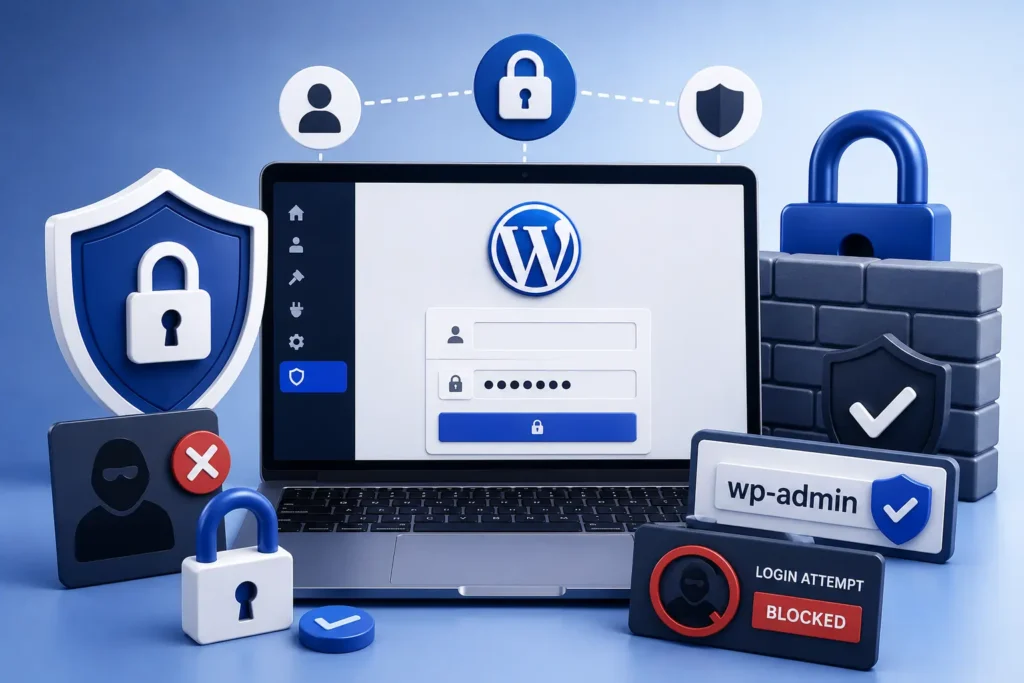
If you would rather have this handled for you, our WordPress security service takes care of this end to end. Your WordPress login page is the front door to your entire website. It is also the single most attacked part of most sites, targeted constantly by automated bots trying thousands of password combinations. If that door is weak, everything behind it is at risk. Strong WordPress login security keeps it firmly locked.
Securing wp-admin and the login page is one of the highest-impact things you can do for your site’s safety. This guide covers practical, proven ways to protect WordPress login from attacks.
Why the Login Page Is a Prime Target
Every WordPress site has a login page at a predictable location, which makes it easy for attackers to find. Bots scan the web for these pages and hammer them with automated login attempts.
These brute-force and credential-stuffing attacks are cheap and relentless. Attackers try common passwords and credentials leaked from other breaches, hoping to find an account that reused the same details.
If even one admin account has a weak or reused password, that is often all it takes to compromise the whole site.
Essential WordPress Login Security Measures
Strong login security comes from layering several protections together. No single measure is perfect, but combined they shut down the overwhelming majority of attacks.
- Use strong, unique passwords for every account
- Enable two-factor authentication on all admin logins
- Limit the number of failed login attempts allowed
- Avoid the default “admin” username
- Give each person their own account with the minimum role needed
- Log out idle sessions automatically
Each of these closes a door that attackers rely on. Together, they turn an easy target into a hard one.
Strong Passwords and Two-Factor Authentication
Passwords remain the first line of defense, and weak ones are the most common way in. Every account should use a long, unique password that is not reused anywhere else.
Two-factor authentication adds a second layer that is remarkably effective. Even if an attacker steals a password, they still cannot log in without the second factor, usually a code from a phone app. Our guide on two-factor authentication for WordPress walks through setting it up.
Two-factor authentication blocks the vast majority of automated login attacks on its own. It is the single highest-value login security step you can take.
Limiting and Monitoring Login Attempts
Brute-force attacks rely on being able to try passwords over and over. Limiting failed login attempts breaks that strategy by locking out an address after a few tries.
Monitoring is just as important. Keeping an eye on login activity helps you spot unusual patterns, such as repeated failures or logins from unexpected locations, before they turn into a breach.
Combined with a web application firewall, which filters malicious traffic before it even reaches your login page, these measures dramatically reduce your exposure. Our article on web application firewalls explains how that layer works.
Protecting the wp-admin Area
Beyond the login page itself, the wp-admin dashboard deserves extra care. Restricting who can reach it reduces your attack surface further.
Only give administrator access to people who genuinely need it, and use lower-privilege roles for everyone else. When a staff member or freelancer no longer needs access, remove their account promptly. Old, forgotten accounts are a common weak point.
Managing Team Access Safely
Login security is not only about keeping strangers out. It is also about managing the people who legitimately have access, because every account is a potential way in.
The safest approach is to give each person their own account with the lowest role that lets them do their job. Sharing a single admin login between several people makes it impossible to track who did what, and much harder to revoke access cleanly.
Old accounts are a particular risk. When a staff member leaves or a freelancer finishes a project, their account often lingers, forgotten but still active. Each of these is a door left unlocked, and attackers actively look for them.
Reviewing your user list regularly, removing accounts that are no longer needed, and keeping admin access limited to those who truly require it dramatically reduces your exposure. Good access management is one of the simplest, most overlooked parts of login security.
Frequently Asked Questions
How do hackers attack WordPress login pages?
Mainly through brute-force and credential-stuffing attacks, where bots try many password combinations automatically. Weak or reused passwords make these attacks far more likely to succeed.
Is two-factor authentication really necessary?
Yes. It blocks the vast majority of automated login attacks, even when a password has been stolen. It is one of the most effective security steps available.
Should I change my WordPress login URL?
It can help reduce automated attacks by making your login page harder to find, but it is not a substitute for strong passwords, 2FA, and login limits.
What role should I give my team members?
Give each person the lowest role that lets them do their job. Reserve administrator access for those who truly need it, and remove unused accounts.
For further reading, the official WordPress hardening guide offers helpful, authoritative guidance.
Lock Your Front Door
Your login page is the most attacked part of your site, but it is also one of the easiest to protect. Strong passwords, two-factor authentication, login limits, and careful access control keep attackers out.
BlueBotts hardens login security as part of every maintenance plan, backed by monitoring and a firewall. Request a free site audit or contact our team to secure your site properly.
Get a free audit covering security, updates, backups, and performance gaps. Takes 60 seconds to request and costs nothing.