If you would rather have this handled for you, our speed optimization service takes care of this end to end. A visitor lands on your website. In the first few seconds, they form an impression and decide whether to stay or leave. If your page is still loading, many of them are already gone, along with the sale, lead, or sign-up they might have become. Website speed, it turns out, is one of the biggest levers you have on your conversion rate.
Website speed is not just a technical detail. It directly affects your conversions and revenue. This guide explains how load time influences sales and the practical steps that make your WordPress site faster.
The Direct Link Between Website Speed and Sales
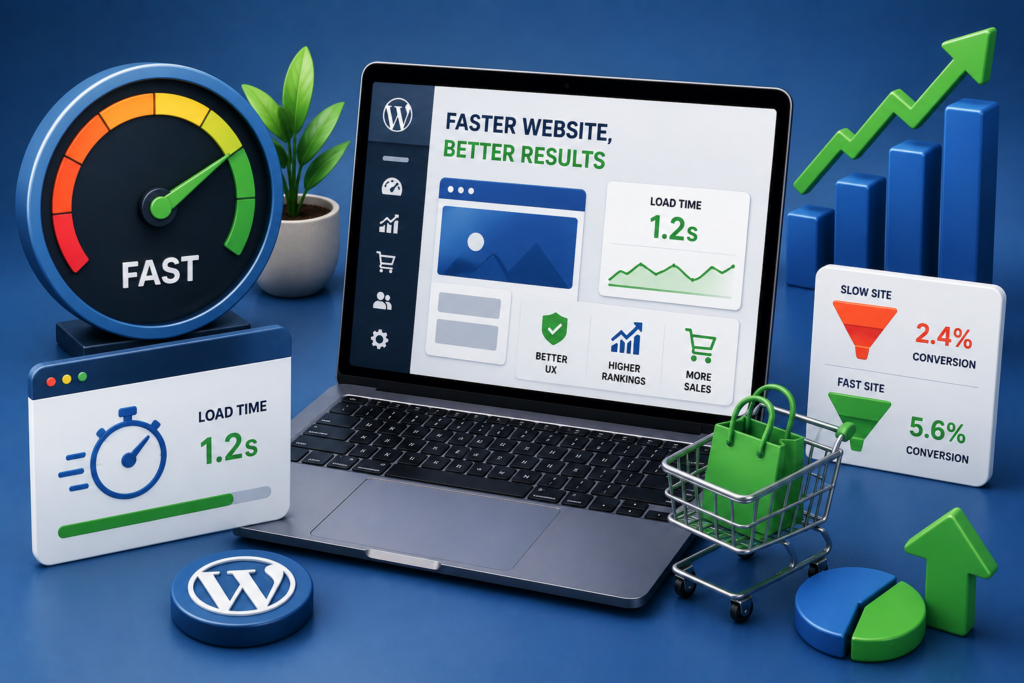
Study after study has shown the same pattern: as pages get slower, conversions fall. Even small delays have a measurable effect on how many visitors take action.
The reason is simple. People are impatient online, and a slow site feels frustrating and untrustworthy. Every extra second of waiting gives visitors a reason to give up and try a competitor instead.
For a store or a lead-generating site, that lost patience translates directly into lost money.
Why Speed Affects Conversions So Much
Load time shapes the entire visitor experience, and several factors combine to influence whether someone converts.
First Impressions
A fast site feels professional and reliable. A slow one feels broken or neglected before a visitor has even seen your offer. First impressions are hard to undo.
Reduced Frustration
Every moment of waiting adds friction. Fast pages keep visitors in a smooth, focused state, making them more likely to browse, add to cart, and complete a purchase.
Trust and Credibility
Speed signals quality. Visitors are more willing to enter payment or contact details on a site that feels fast and polished than on one that stutters and lags.
Speed is not just about convenience. It shapes whether visitors trust you enough to buy, and how far they get before they give up.
Speed and Mobile Visitors
A large share of web traffic now comes from mobile devices, often on slower connections. That makes speed even more critical, because mobile visitors feel delays more acutely.
A site that is fast on a strong desktop connection can still feel slow on a phone. Optimizing for mobile speed ensures you do not lose the many visitors browsing on the go.
How to Make Your WordPress Site Faster
The good news is that speed is something you can actively improve. A handful of proven steps make a big difference.
- Enable caching to serve pages quickly, as covered in our guide to caching
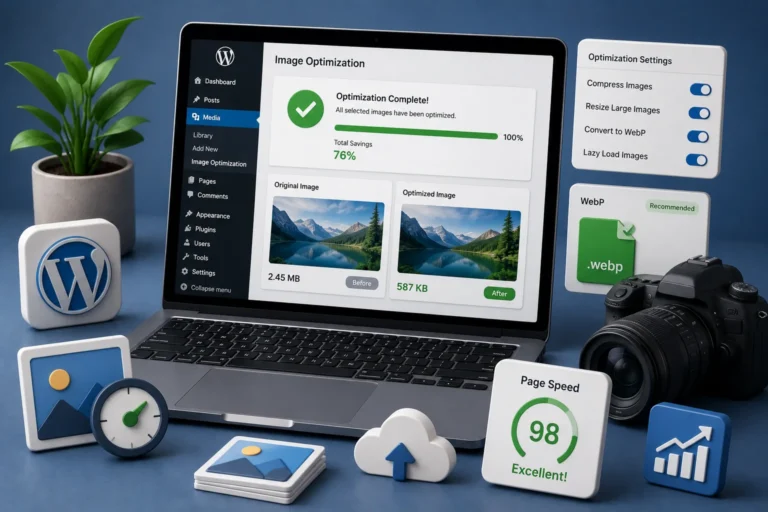
- Optimize and compress your images
- Choose fast, quality hosting suited to your traffic
- Minimize heavy scripts and unnecessary plugins
- Keep WordPress, plugins, and your theme updated
- Monitor performance regularly so speed does not creep up over time
Our fuller guide on how to speed up WordPress walks through these fixes in more detail.
Speed Is an Ongoing Job
A site that is fast today can slow down over time as content, images, and plugins accumulate. Speed is not something you fix once and forget.
Regular performance monitoring and optimization keep your site fast as it grows, protecting the conversions and revenue that depend on it. It is one of the most directly profitable parts of good maintenance.
Measuring Your Site’s Speed
You cannot improve what you do not measure, so understanding your current speed is the first step. The good news is that speed is very measurable, with clear numbers to track.
Free performance tools let you test how quickly your pages load and highlight what is slowing them down. They typically give you a score along with specific recommendations, such as compressing images or reducing scripts.
It is worth testing on both desktop and mobile, since they can perform very differently. A site that feels fast on a powerful computer may lag on a phone, and mobile speed matters enormously given how many visitors browse on the go.
Testing once tells you where you stand today, but speed changes over time as content and plugins accumulate. Measuring regularly lets you catch slowdowns early, before they quietly eat into your conversions. Treat your speed score as a number worth watching, not a one-time check.
Frequently Asked Questions
How much does site speed affect conversions?
Significantly. Conversions tend to fall as pages get slower, and even small delays measurably reduce how many visitors take action. Faster sites convert better.
What is a good page load time?
Faster is always better, but aim for pages that feel near-instant. The key is that visitors should not be left waiting, especially on mobile connections.
Does speed only matter for online stores?
No. Any site that wants visitors to take action, whether buying, inquiring, or signing up, benefits from being fast. Speed affects every kind of conversion.
Why has my site slowed down over time?
Accumulated images, plugins, and content, along with an unoptimized database or caching issues, can gradually slow a site. Regular maintenance keeps it fast.
For further reading, Google’s Core Web Vitals documentation offers helpful, authoritative guidance.
Faster Site, More Sales
Website speed has a direct, measurable impact on conversions and revenue. Improving your load time is one of the most profitable investments you can make in your site.
BlueBotts includes performance optimization and monitoring in our maintenance plans, keeping your site fast and your conversions healthy. Request a free site audit or view our plans to speed things up.
Get a free audit covering security, updates, backups, and performance gaps. Takes 60 seconds to request and costs nothing.